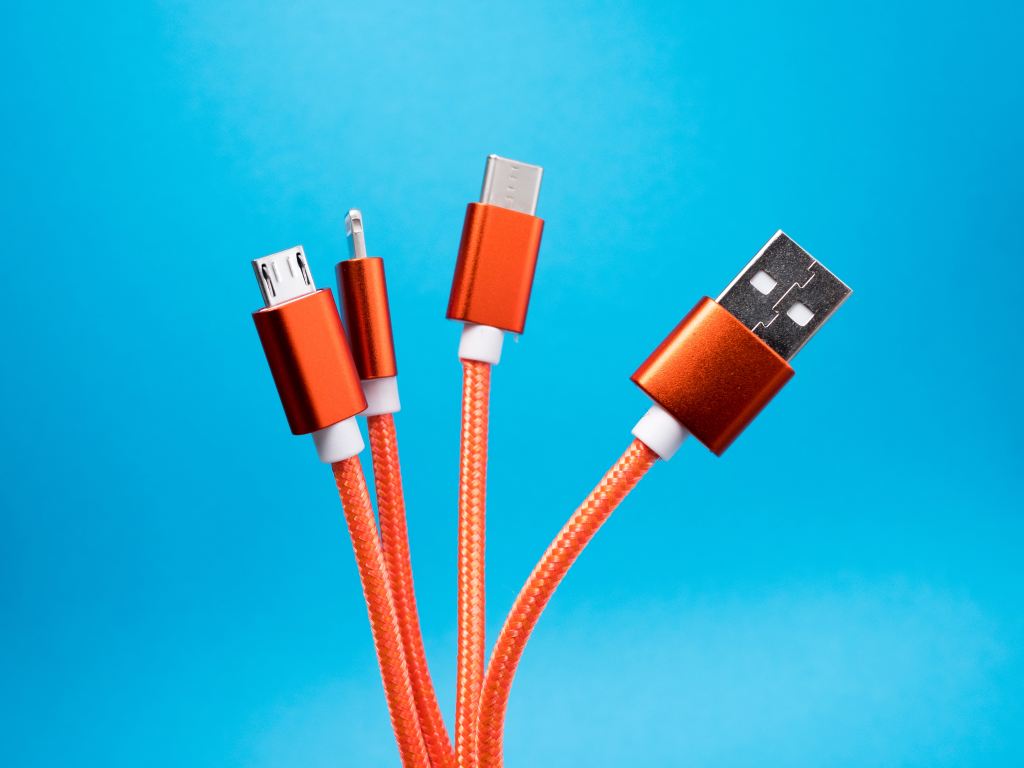
In today’s tech-savvy world, our lives revolve around devices that constantly demand connectivity and charging. Among the myriad of ports available, three have taken center stage: USB Type-C, USB Type-A, and Apple’s Lightning. Understanding their differences, similarities, and primary uses is crucial for making informed choices when it comes to your devices. In this article, we’ll delve into a detailed comparison of these ports.
USB Type-C: The Universal Connector
USB Type-C, often referred to as USB-C, has become the go-to connector for many modern devices. Its distinguishing features include a reversible design, compact size, and impressive versatility. Let’s explore its key attributes:
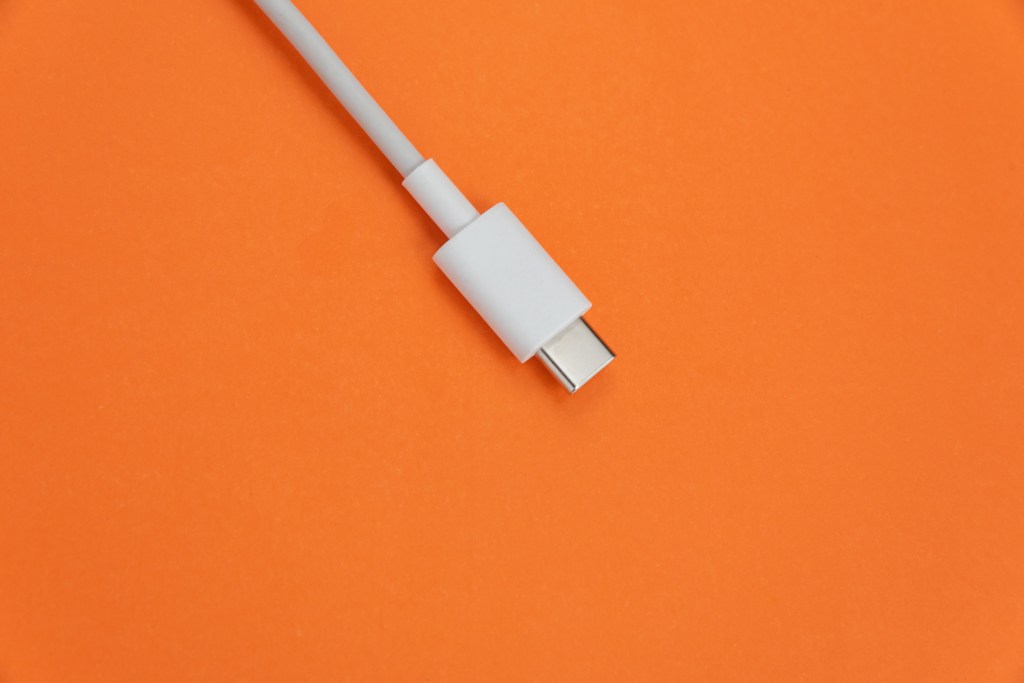
- Reversible Design: USB-C connectors can be plugged in either way, eliminating the frustration of trying to insert the cable correctly. This convenience makes it user-friendly and reduces wear and tear on ports.
- High Data Transfer Speeds: USB-C supports high data transfer speeds, commonly up to 10 Gbps for USB 3.1 Gen 2, facilitating quick file transfers between devices.
- Fast Charging: It enables fast charging for various devices, including smartphones, laptops, and even some tablets. USB Power Delivery (PD) technology allows for flexible power delivery, accommodating different devices’ charging needs.
- Versatility: USB-C is incredibly versatile. It can handle data, video, and power delivery simultaneously, making it ideal for laptops, monitors, smartphones, and more.
USB Type-A: The Traditional Standard
USB Type-A, or USB-A, is the traditional USB port that most people are familiar with. It has been a staple for connecting devices for years. Here’s what you need to know about it:
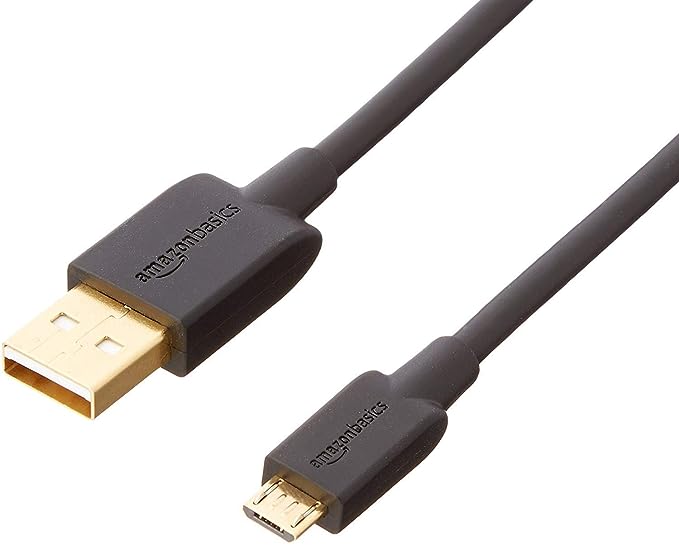
- Legacy Standard: USB-A is still widely used, especially in older devices, and remains compatible with various peripherals and accessories.
- Limited Reversibility: Unlike USB-C, USB-A connectors have a specific orientation, so you must insert them correctly.
- Data Transfer Speeds: USB-A ports typically support data transfer speeds of up to 5 Gbps (USB 3.0), which is adequate for most everyday tasks.
- Standard Charging: While USB-A can charge devices, it may not provide the fastest charging speeds, especially for larger devices like laptops.
Apple’s Lightning Port: Proprietary Excellence
Apple’s Lightning port is unique to their devices and has its own set of characteristics:
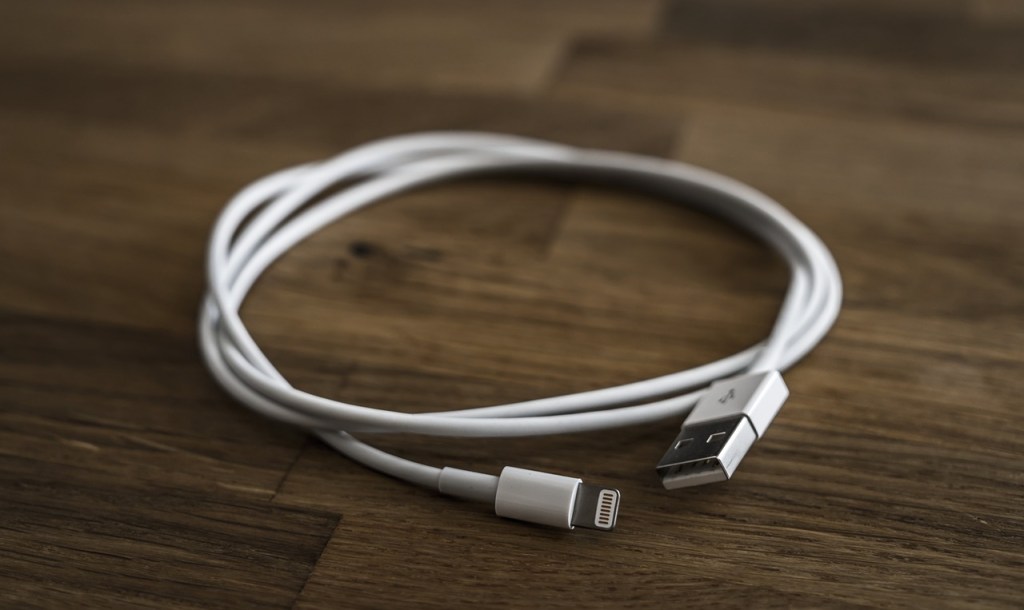
- Apple Ecosystem: Lightning is exclusive to Apple products, including iPhones, iPads, and some iPods. It offers seamless compatibility within the Apple ecosystem.
- Reversible Design: Similar to USB-C, Lightning connectors are reversible, ensuring hassle-free connections.
- Data Transfer: Lightning ports support data transfer speeds comparable to USB 2.0, which may be slower than USB-C for data-intensive tasks.
- Charging: Apple’s proprietary fast-charging technology enables quick power-ups for compatible devices.
In summary, USB Type-C shines as a universal and versatile connector, offering high data transfer speeds and fast charging capabilities. USB Type-A, while a legacy standard, remains prevalent in older devices and accessories. Apple’s Lightning port caters exclusively to Apple users, providing a seamless experience within their ecosystem.
When choosing between these ports, consider your specific needs and device compatibility. As technology evolves, USB Type-C is increasingly becoming the standard for many devices, offering a glimpse into the future of connectivity and charging.
In conclusion, understanding the differences between these three ports empowers you to make informed decisions, ensuring your devices are well-connected and charged for all your needs in this digital age.
 Hello Tech